A virtual machine can boot successfully and still fail its business purpose. The guest operating system may be running while the application has lost its expected network route, DNS dependency, or storage behavior.
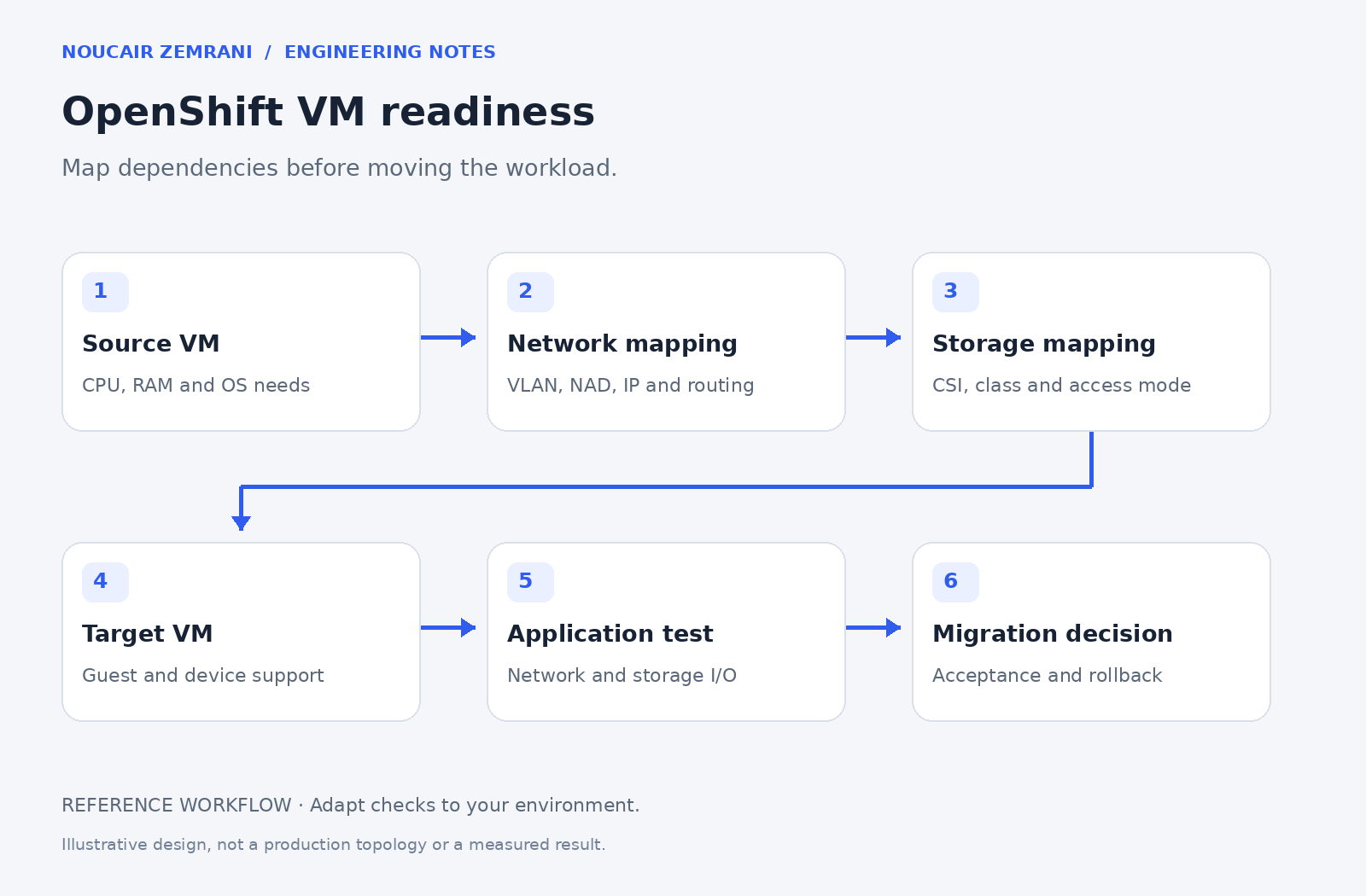
My OpenShift Virtualization experience includes VM networking with Multus and IBM CSI storage integration. The checklist below focuses on questions a platform team should answer before moving an application, without exposing an internal environment’s addresses or configuration.
Start with the application path
List the systems the VM must reach and the systems that must reach it. Include DNS, time synchronization, authentication, backup services, monitoring, and application dependencies. Record the required ports and the owner who can validate each path. A diagram of interfaces alone is not an application dependency map.
OpenShift Virtualization runs VM workloads alongside container workloads. Migration tooling can map source networks and storage to target resources. Those mappings still need engineering validation against the application’s expectations.
Test the guest’s real network behavior
Agree on the target network attachment, addressing approach, routing, and any external network configuration. Check the effective MTU and firewall behavior where relevant. Test from inside the guest and from a representative consumer rather than relying only on a successful platform-side configuration.
For a synthetic example, imagine a VM whose API is reachable locally but cannot reach its external database. The VM console looks healthy; a dependency test reveals the actual blocker. This is why a cutover checklist needs application tests as well as platform tests.
Understand storage behavior before promising mobility
Identify disk capacity, access mode, storage class, volume mode, provisioning behavior, and performance needs. Confirm the capabilities of the actual storage backend and CSI integration. Do not assume that a persistent volume automatically enables every live-migration or recovery scenario.
Ask how backups and restores will work on the target. A volume being attached is not evidence that the application can be recovered to a useful point in time. Define the restore process and the team responsible for it.
Use a cutover acceptance sheet
Record guest boot, interface and route checks, DNS resolution, storage visibility, application transactions, monitoring data, and backup readiness. Put an owner beside each acceptance check. Define the conditions for stopping or reversing the cutover, including what happens to new data written after the move.
Successful migration means the application works and the operating team can support it. If you are preparing an OpenShift Virtualization migration, I can help turn the VM inventory into a practical network, storage, and validation checklist.